

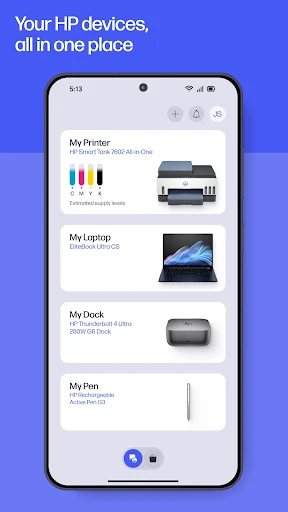

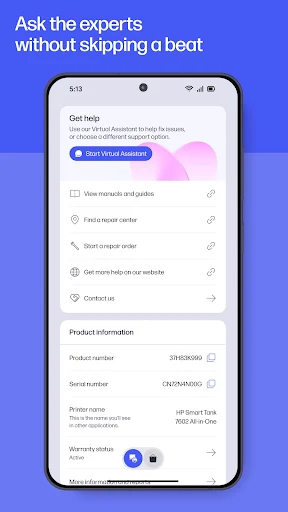
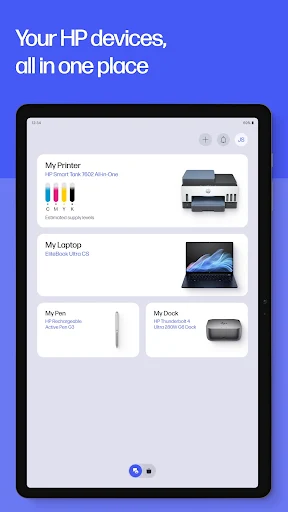
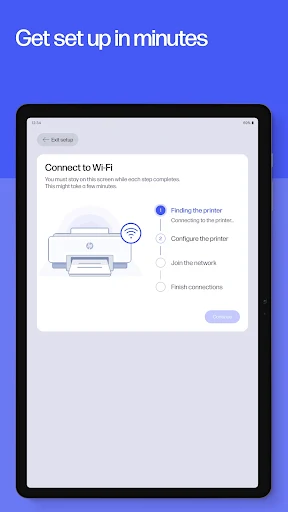
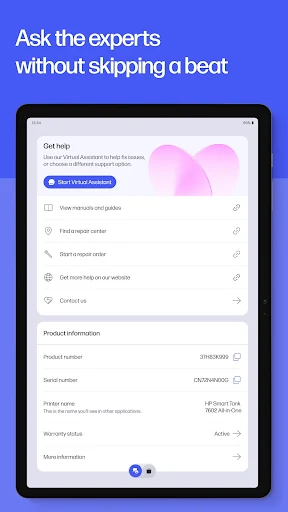
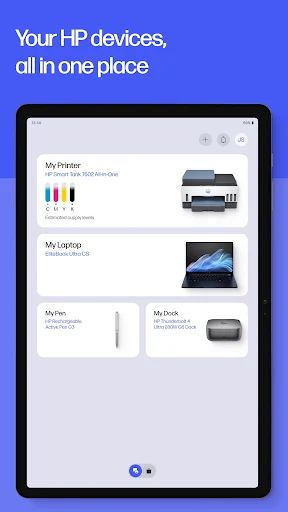
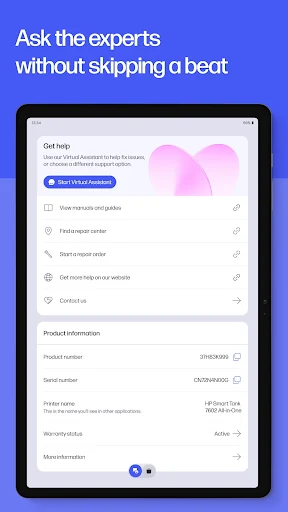
The HP app serves as a central hub for managing your HP devices, including printers and computers. It enables users to perform a range of essential tasks, from setting up a new HP printer and monitoring ink levels to printing documents and scanning physical items directly from their mobile device. This app consolidates device management, printing, scanning, and support functionalities, aiming to streamline how you interact with your HP hardware.
Guided Device Setup
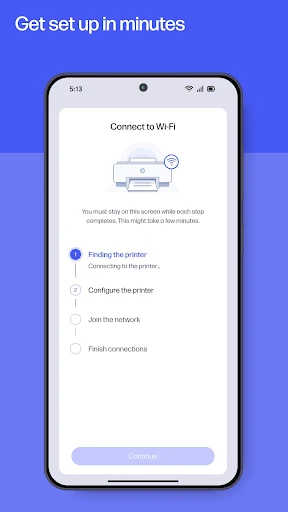
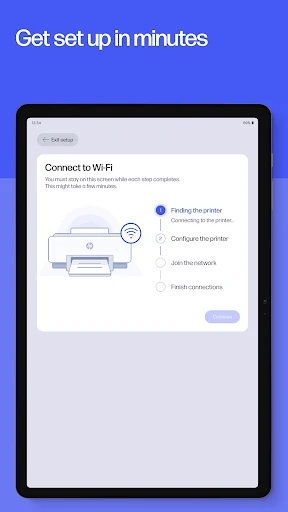
The app facilitates the initial setup of new HP printers with a guided process designed to get devices up and running quickly. Once configured, users can manage their HP printer and computer, keeping track of vital information such as ink levels for printers.
Device Management and Personalization
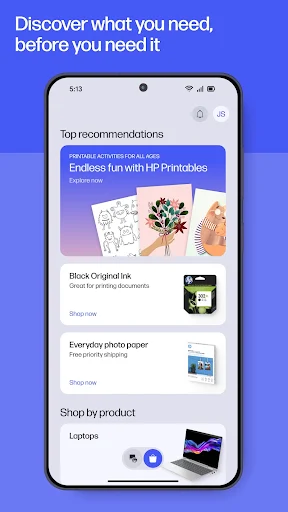
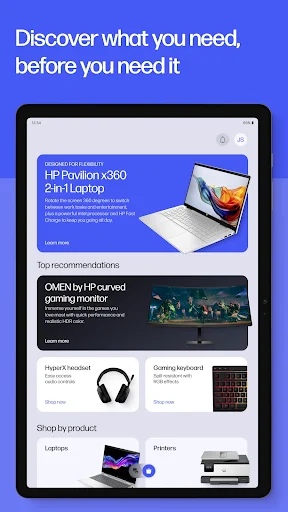
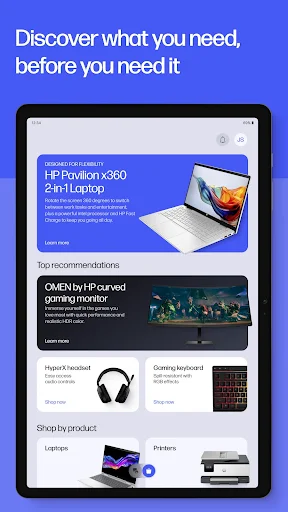
Beyond initial setup, the app allows users to adjust device settings and receive recommendations. It offers tools to personalize the device experience, ensuring settings align with individual preferences and workflows.
Printing and Scanning Capabilities
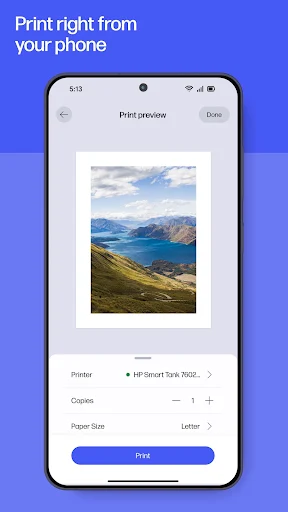
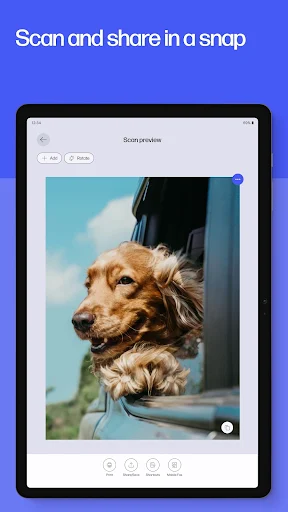
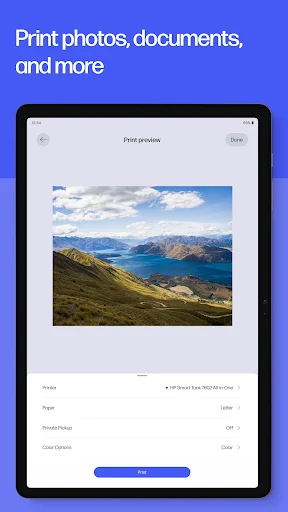
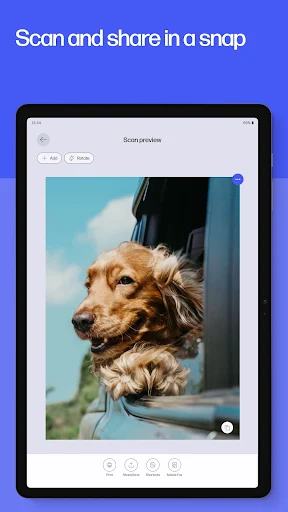
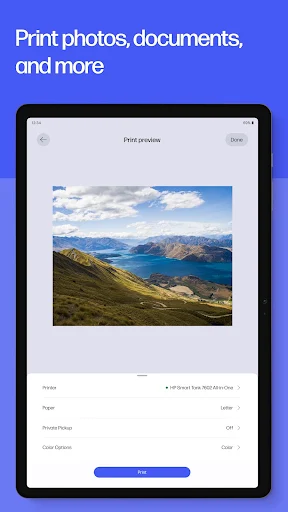
Users can print various documents and images directly from their device, whether it’s a school form, a birthday card, or high-quality photos. The app also supports scanning, allowing for quick digitization of documents and receipts, with options to adjust and edit them before printing or to send them directly to email for sharing and storage.







Write a review